It sees what you see.
Arqivon Live is a real-time conversation through your camera and voice. Point, talk, interrupt. When you close the camera, the job it started keeps running.
Live runs in the Arqivon app on web, iPhone and Android.
Four modes, one camera.
Switch the job without switching tools. Each mode gets its own prompt and its own tools, so a translator doesn't try to tutor you.
Assistant
Ask about anything in view and get a spoken answer.
You saidWhat is the best way to descale this kettle?ArqivonHalf water, half white vinegar. Boil it, let it sit for twenty minutes, then rinse.Translator
Subtitles for signs, menus and speech, in your language.
Sign, Portuguese to EnglishWet floor. Please walk carefully.Tutor
Step cards for homework, with hints rather than just answers.
Step 2 of 3Subtract 3 from both sides.2x + 3 = 11 → 2x = 8Support
Walks someone through a fix and logs what happened.
Case openedRouter light is red.next: hold reset for 10 seconds
Examples. The content shown is illustrative.
Interrupt it. It listens.
Live is built on native audio, so you can talk over it like a person. Say “wait” and it stops mid-sentence and picks up from what you said.
- Barge-in: your voice cuts its playback.
- It keeps looking while you talk.
- It answers in the language you speak.
→ interrupted playback cleared
Close the camera. The job keeps going.
Live starts work as well as talking about it. Ask for something while you're pointing the camera, and it becomes a durable job that carries on after the call ends.
- DoneRead the label0:09Boiler pressure is 0.6 bar. The manual says 1.0 to 1.5.
- WorkingDrafting a note to the landlordnowDescribes the fault and attaches what the camera saw.
- Needs youEmail waits for your tapqueuedNothing is sent until you approve the exact text.
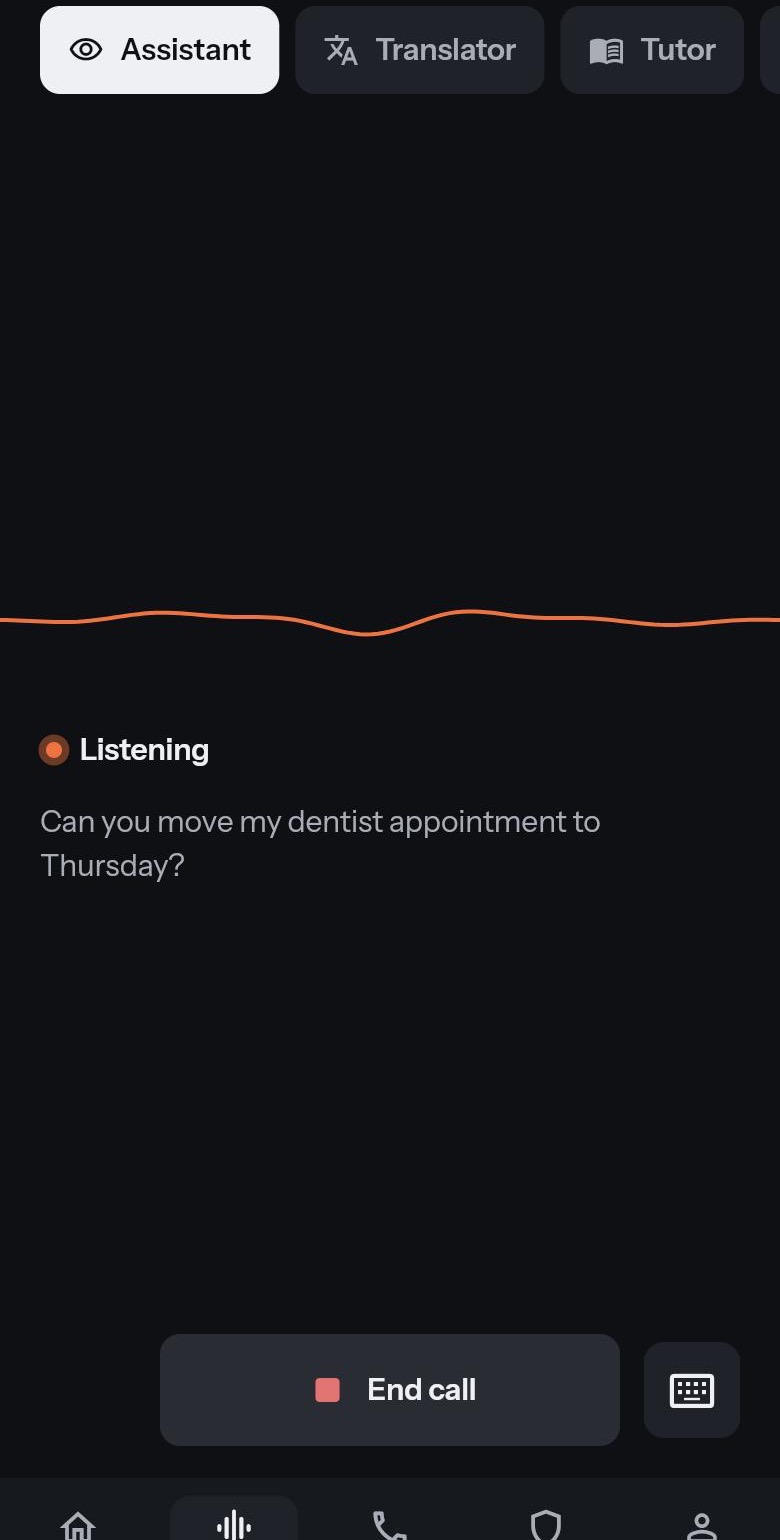
The app home: start a call, and see what needs you.
Point it at something.
Live is part of Arqivon. Open the app and tap Start a call.